Thanks to JossWhittle for making .obj to .pov converter. Here is a short guide how to get good looking results:

Make a model in some 3D editing software. I used Blender. Alternatively you can just download it from some site.
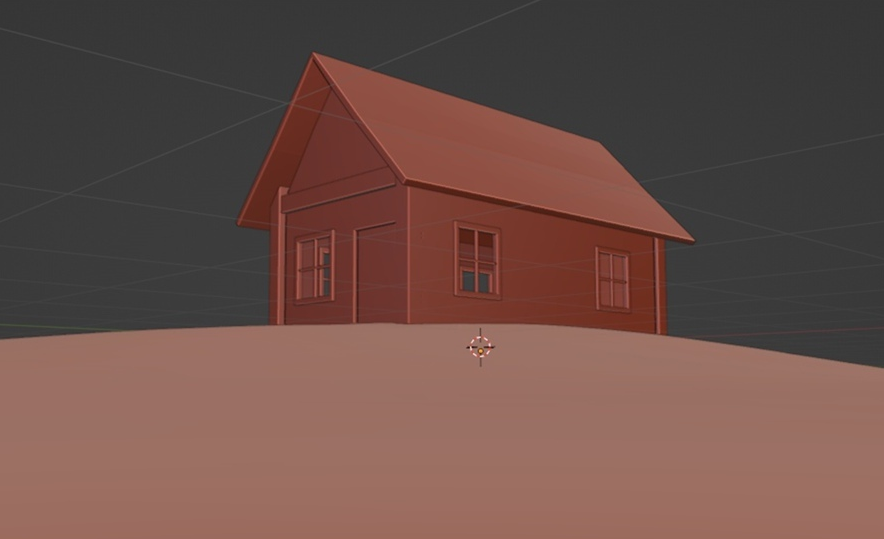
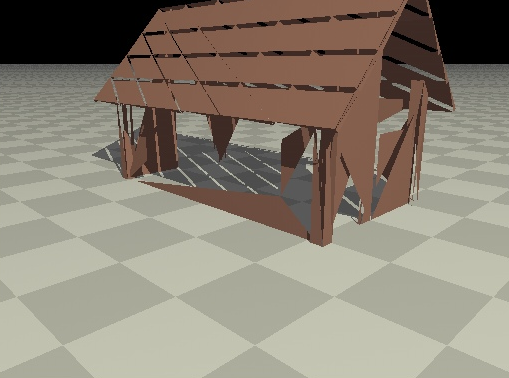
JossWhittle's converter generates triangles, so when you import .obj model that contains quads or ngons it will output distorted mesh:
A way to remesh model in Blender is to add Triangulate modifier
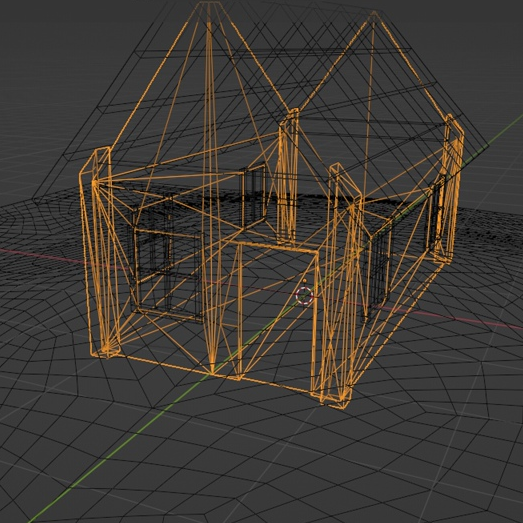
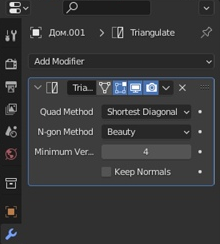
Don't forget to apply it by right clicking that downwards arrow!
Now you need to save the model in .obj file format. In Blender File > Export > Wavefront (.obj) and don't forget to checkmark Selected only
Model preparations are now complete, it's time to launch cmd and follow JossWhittle's documentation.
Summary:
- Download and install Java Development Kit
- Open Command Prompt and go to obj2pov.jar file location using cd [folder path] command
- Run jar file java -jar obj2pov.jar < [input obj name].obj > [output pov name].pov
- Import in the POV-Ray scene using #declare [Name] = union { #include "[file path].pov" }