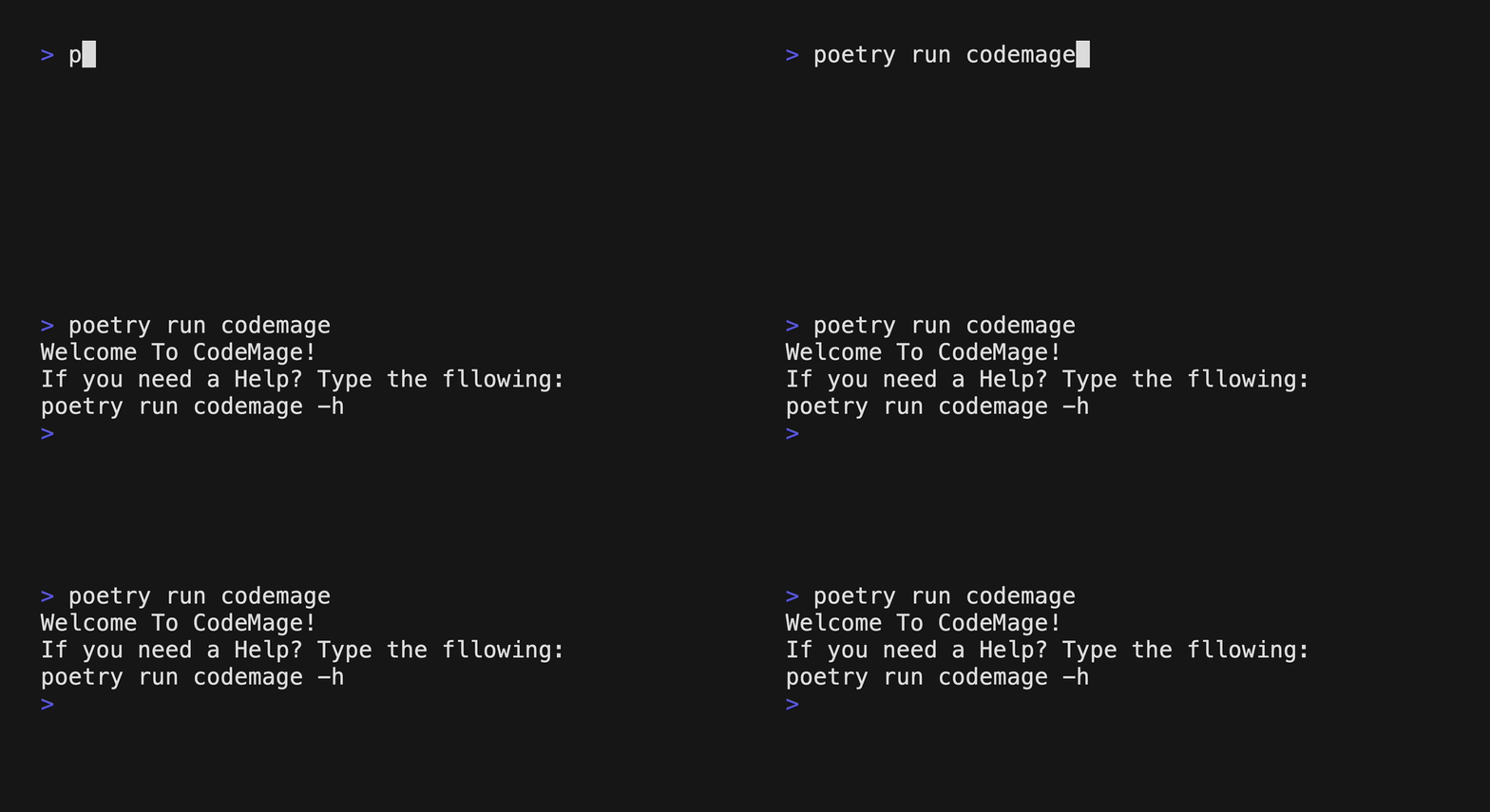
CodeMage is a tool that translates a source file written in one programming language into another language. The translation will be done by Large Language Model AI(such as ChatGPT)
1. Supported Languages: Javascript, Python, C++, Java
2. Default target Language is Python
3. Supported LLM model: openrouter, groq
4. Default LLM model is openrouter(sao10k/l3-euryale-70b)
1. Install Python : https://www.python.org/downloads/
curl -sSL https://install.python-poetry.org | python3 -OR if you have pipx installed on your local machine, you can use the following commend
pipx install poetrygit clone https://github.com/gitdevjin/code-mage.git
cd code_magepoetry install5. Create your API_KEY at openrouter Or Groq
It's free with sign-up. You can easily sign-up with your google account
OPENROUTER_API_KEY=your_open_router_api_key
GROQ_API_KEY=your_groq_api_key
Now you are ready to use the tool!
poetry run codemage <source_file>You can try the tool with the included example files as followings:
poetry run codemage ./example/test.js -l pythonYou can also use the tool with multiple files:
poetry run codemage ./example/test.js ./example/sample.js -l javaYou can select model with -m, --model <model_name> option:
poetry run codemage ./example/test.js -m groq -o result -tYou can stream out the result onto stdout with -s, --stream flag:
poetry run codemage ./example/test.js -s-h, --help : display help message and exit
-l, --language : choose your target language (currently python, java, c++, and javascript are supported)
-o, --output : enter your output file name without extension
-m, --model : select LLM API model (currently openrouter, and groq are supported)
-v, --version : Show program's version number and exit
-t, --token-usage : Get information about token usage for the prompt and response
-s, --stream : Stream out the output into stdout